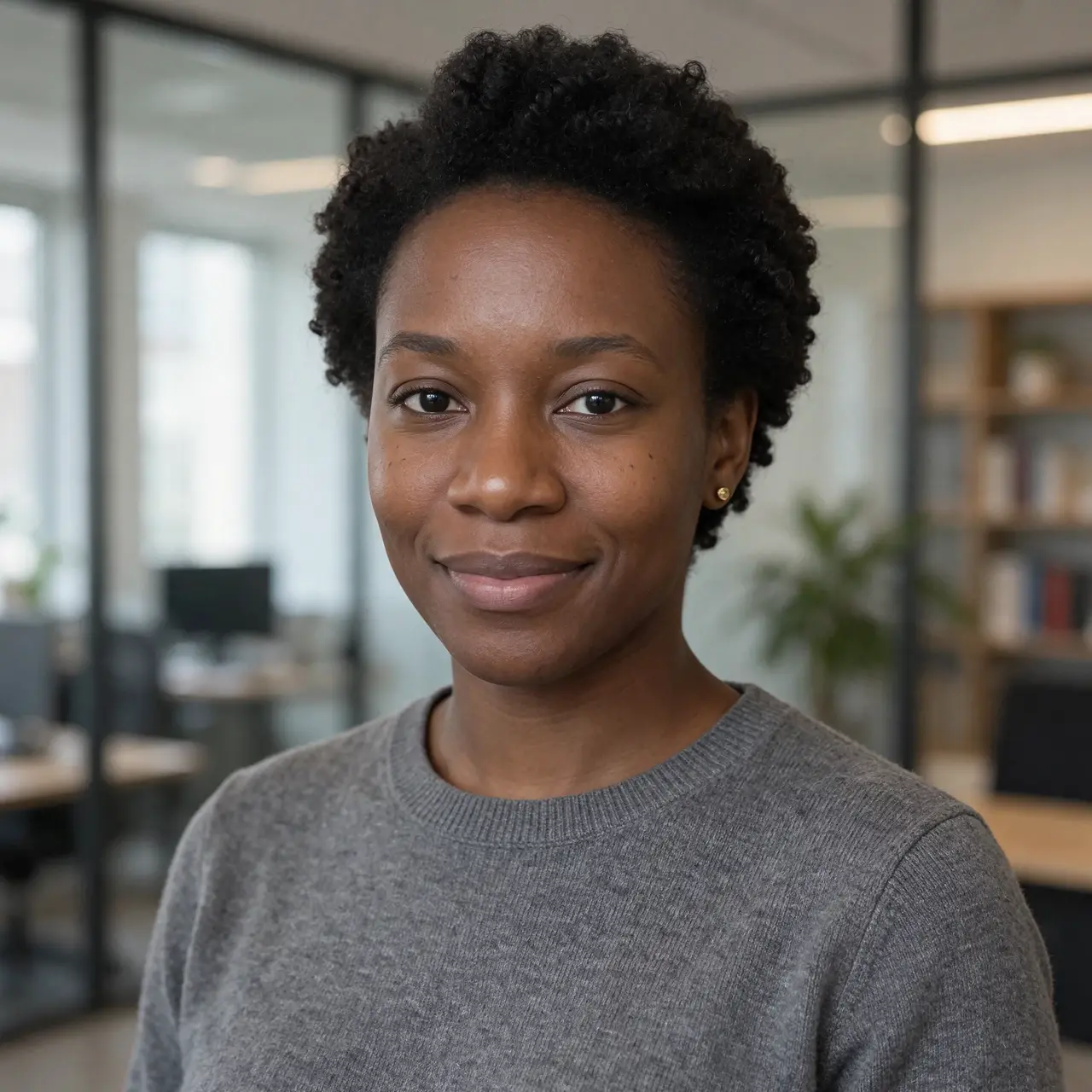
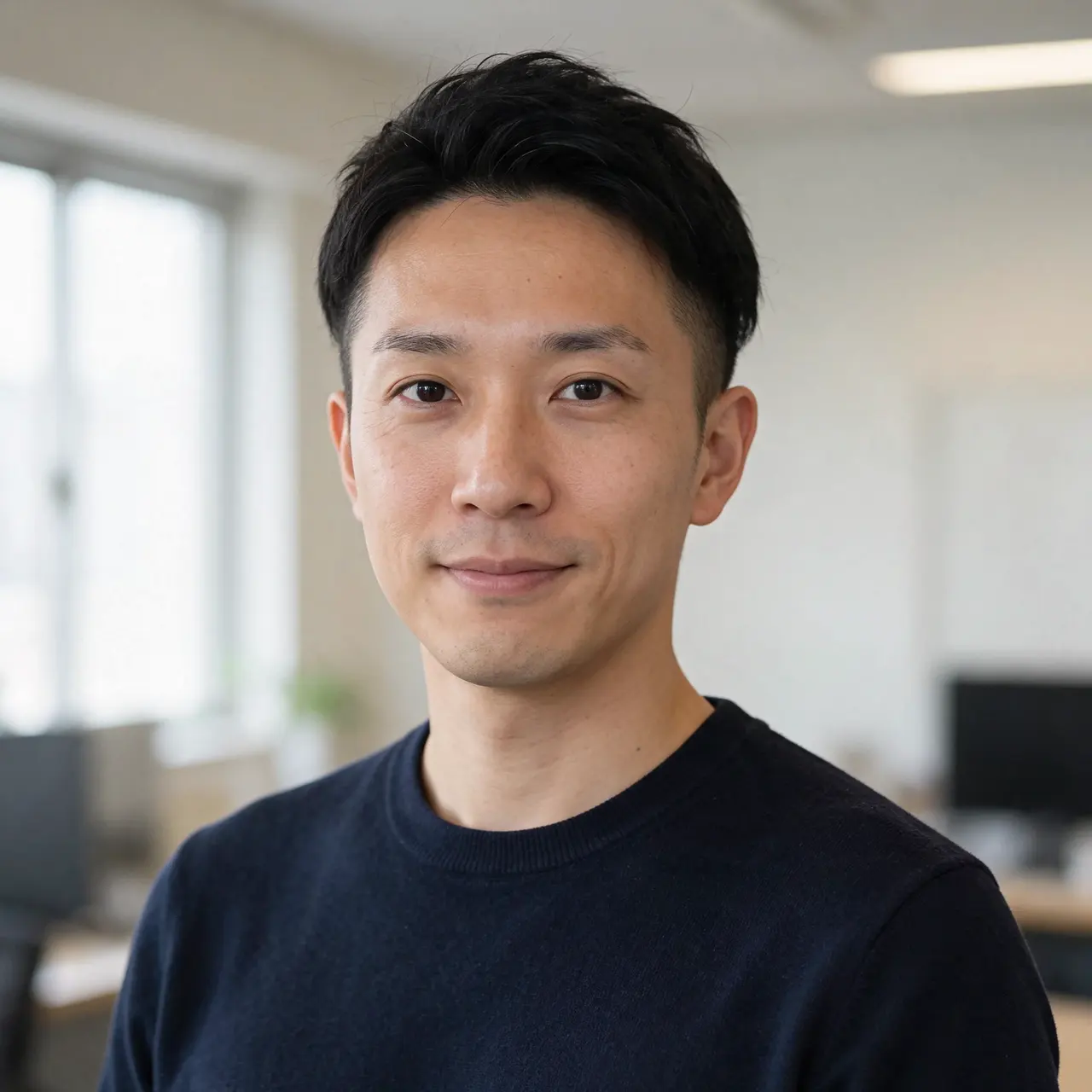
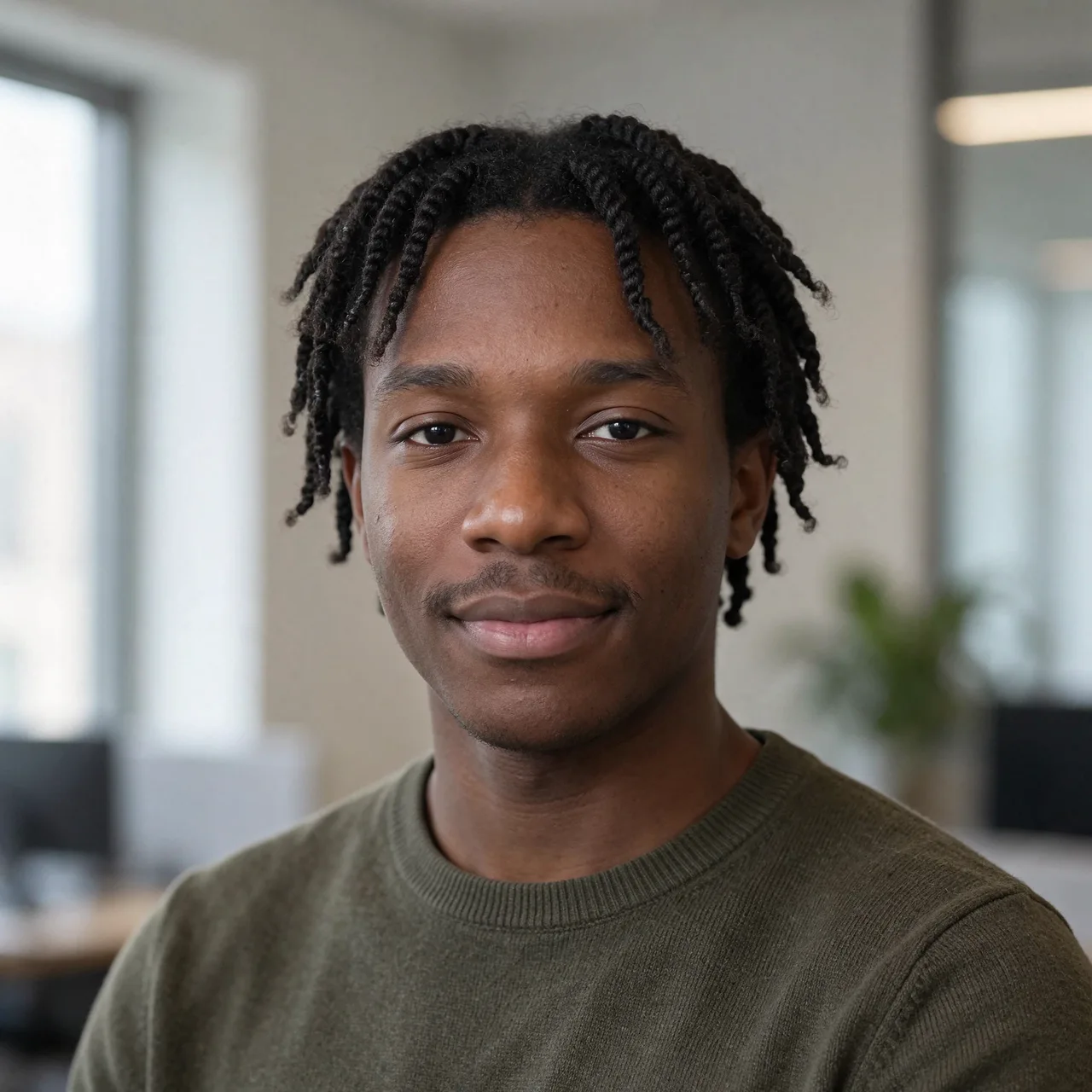
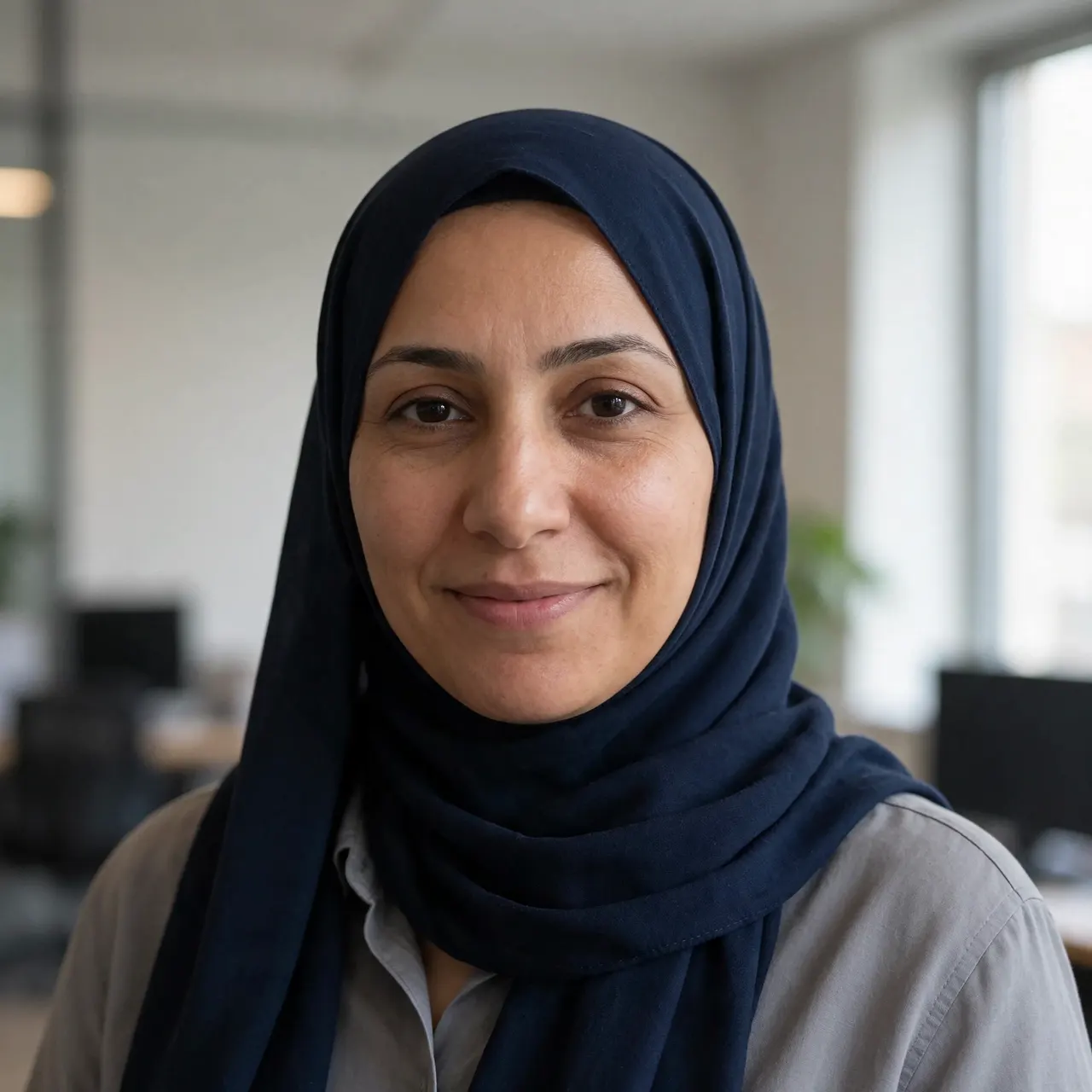
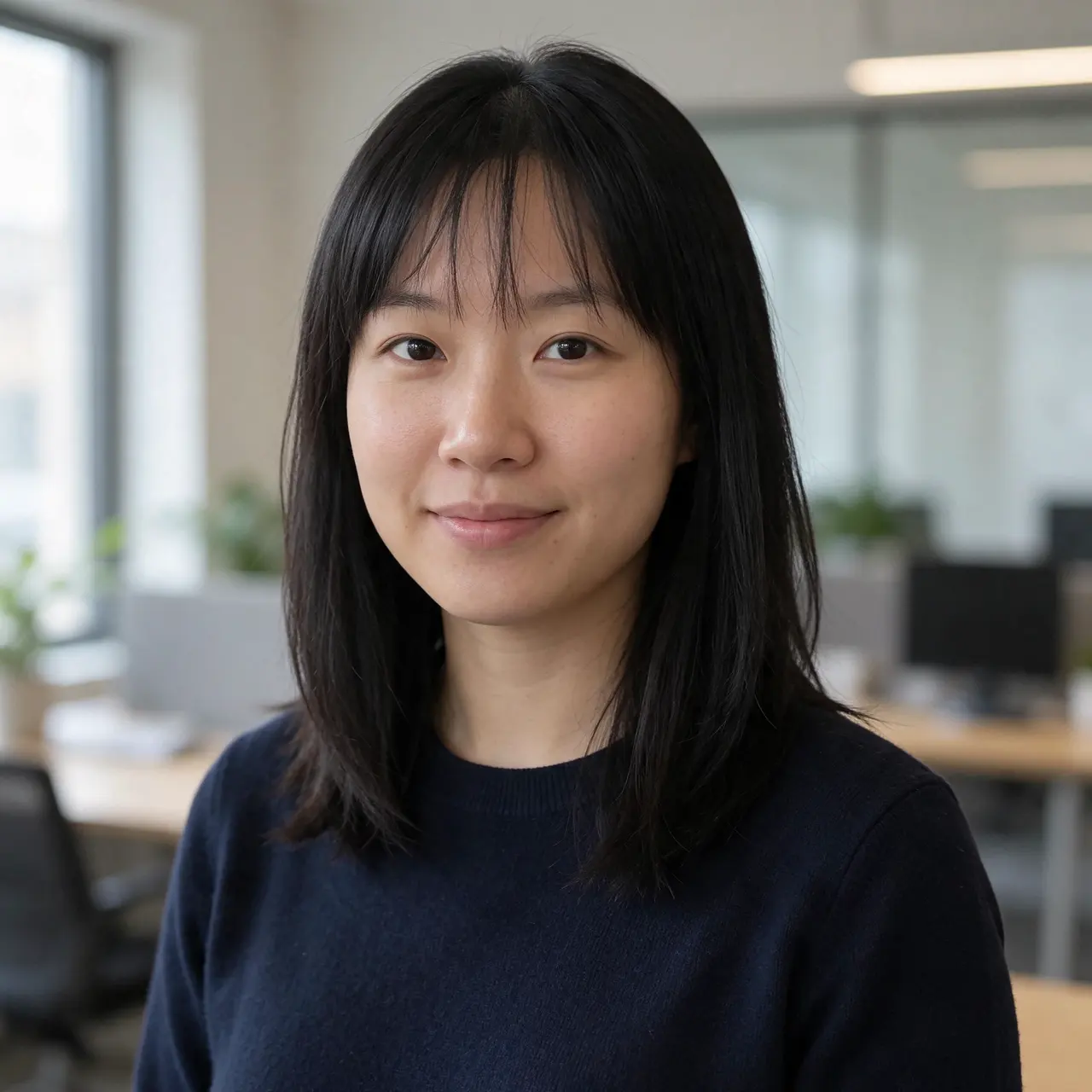
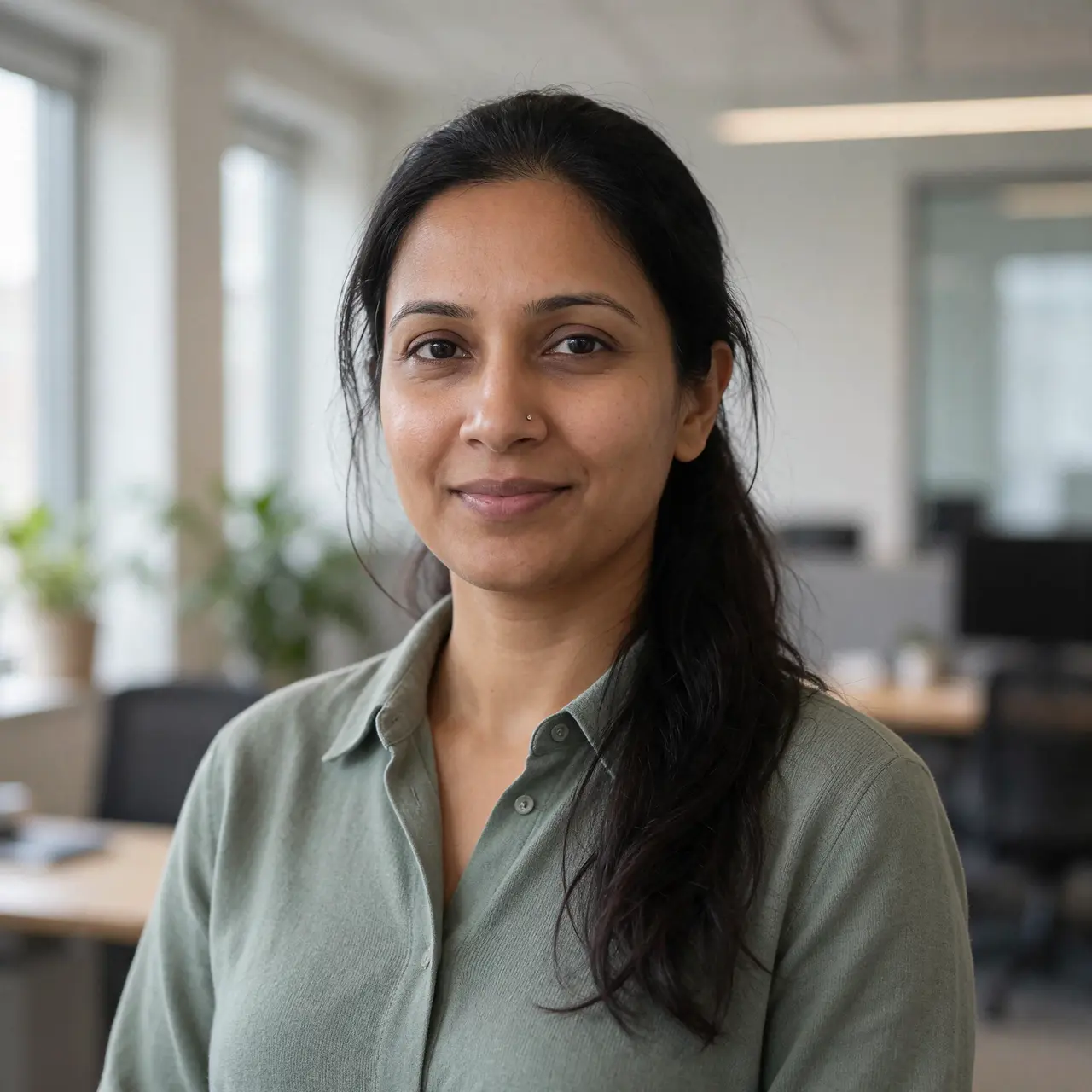
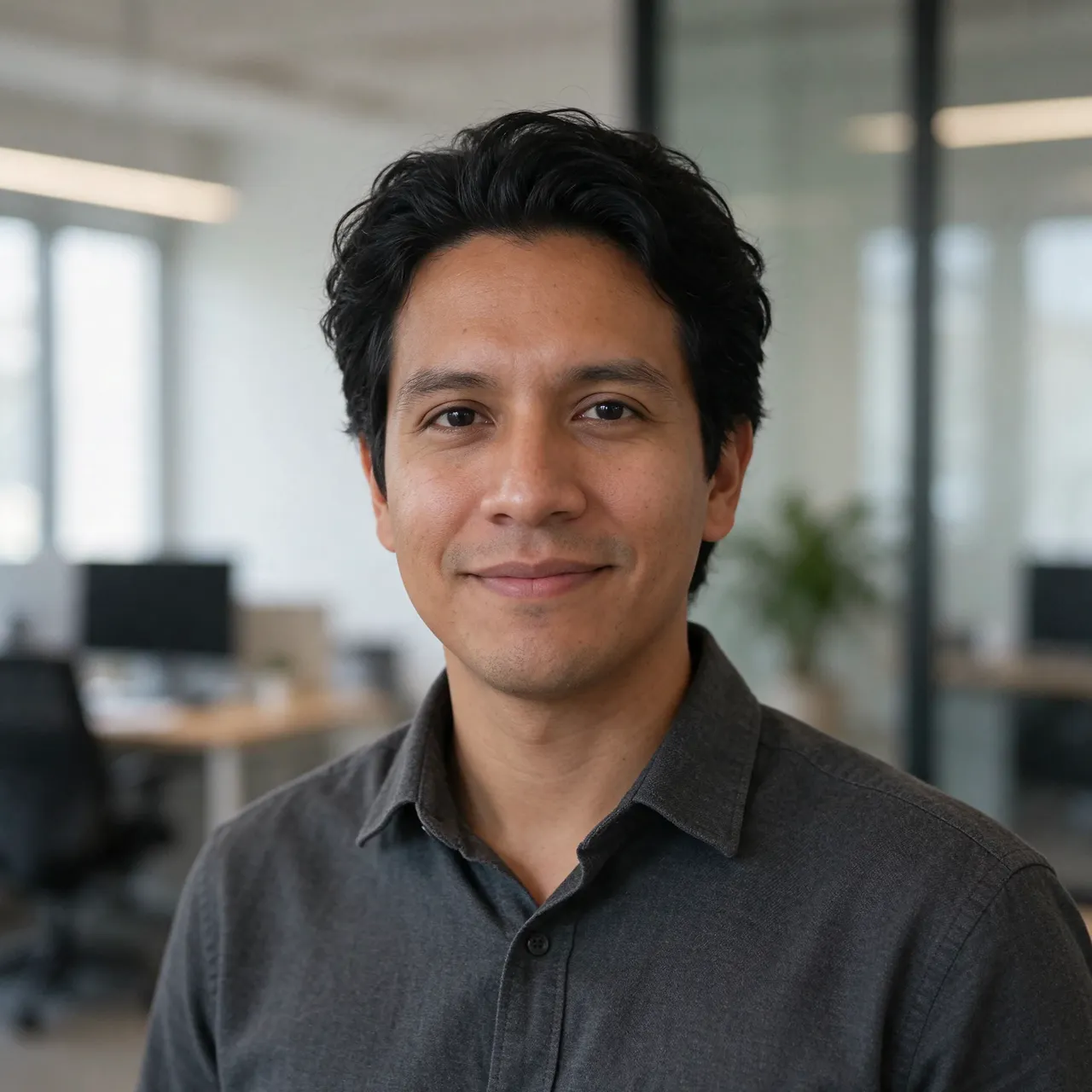
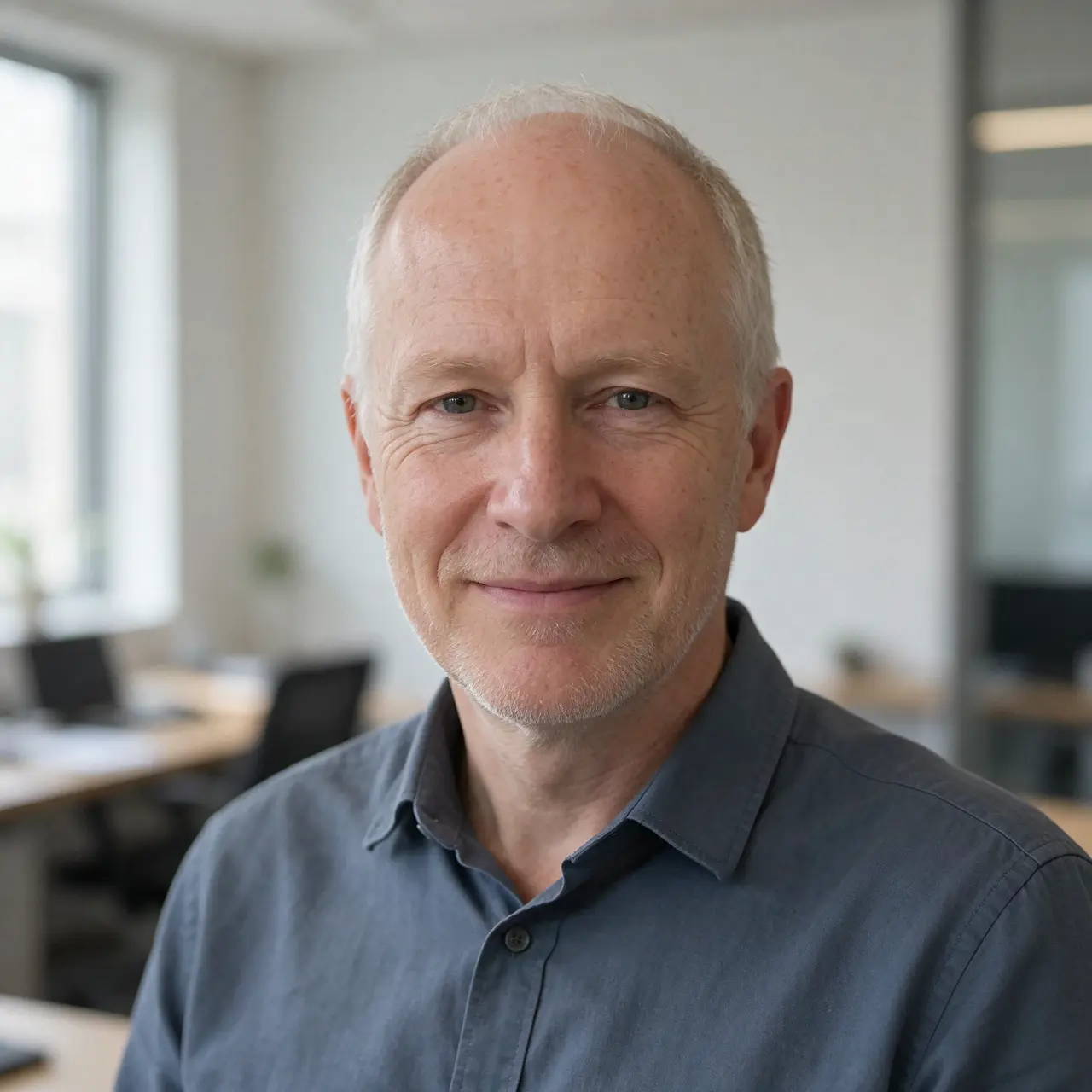
Team headshots that match, for everyone on the team
Team headshots on Headshot AI are AI headshots that all share one look. An admin picks the background, attire, light and crop once, invites the team with a link, and each person gets a set of 8 headshots in that look at 2K. The admin then approves each person’s pick on the team board, asks for a redo where one doesn’t fit, and downloads a ZIP with every file named by person. It suits About pages, team grids and badges, and it works best for teams that are rarely in one room on the same day.
Updated
Build your team look
Made with Nano Banana Pro (Google) at 2K.
216 credits
Sample headshots in this look
AmaraProduct lead
DanielFinance director
IngridHead of client services
KenjiSoftware engineer
KwameSales associate
LeilaOperations manager
MeiUX designer
PriyaPeople partner
RafaelAccount manager
TomManaging partner
Made-up people with AI-generated faces; nobody shown is real.
How it works
1
Set the team look
Choose a background (office blur, brand color or studio gray), attire (as-is, smart casual or suit), light (soft window or studio) and crop (head or head-and-shoulders). Try it on a sample person first; the look is saved with the team.
2
Invite the team
Share one invite link. Each person joins as a member, makes a set of 8 headshots of themselves in the team look and picks a favorite. Their set is paid from the admin’s credits, so members need no card and no paid seat.
3
Approve on the board
The team board shows every member’s pick side by side in the same look. Approve the ones that are right and ask for a redo where a pick doesn’t look like the person or doesn’t fit the row.
4
Export a named ZIP
Download the approved headshots as one ZIP, each file named after the person, at 2K in square (1:1) or portrait (3:4). Upload them to your site, badge system or chat tool as they are.
Good for
An About or team page where every face sits on the same background
Remote and hybrid teams who can’t all get to one photo session
New hires who need a headshot that matches the ones already online
Speaker lists, staff badges, chat avatars and email signatures
Why do team headshots need one look?
Because a team page is read as a grid, and a grid shows every difference. One person in front of a white wall, another in a café and a third lit from the side makes the whole page look unplanned, even when each photo is fine on its own. When the background, clothing, light and crop are fixed for everyone, readers compare faces instead of settings, and the person who joins next spring still fits the row.
What the admin controls and what members choose
The admin owns the look and the board; each member owns their pick. The look has four parts: background, attire, light and crop, and a brand-color background takes any hex color. Members can’t change the look, which is what keeps the set consistent. They choose which of their 8 headshots they like best, and the admin approves it or asks for a redo.
Pro or Fast for team headshots?
Use Pro for the headshots you will publish and Fast to test a look. Pro runs Nano Banana Pro (Google) and keeps the closest likeness. Fast runs Seedream 5.5 (ByteDance), costs fewer credits per headshot and suits checking a background before the whole team joins. Both render at 2K, square or portrait, and the cost per person for each is in the table further down.
What it costs per person
Every headshot is 2K. A member set is 8 headshots, paid from the team admin’s credits.
Model
Per headshot
Per member set
Pro· Nano Banana Pro (Google)
108 credits
864 credits
Fast· Seedream 5.5 (ByteDance)
64 credits
512 credits
New accounts get 64 free credits once, after email verification: enough for one Fast headshot to judge a look.
Team headshots are portraits of everyone on a team made in one shared style: the same background, clothing, light and framing. On Headshot AI an admin sets that style once as the team look, and every member’s AI headshots follow it.
Do team members need their own paid account?
No. Members join through the team link, and their one set of 8 headshots, plus one more for each redo the admin asks for, is paid from the admin’s credits. Only the person who pays holds a plan or a pack.
What does each member upload, and how long is it kept?
Each member accepts a consent screen, then uploads 3 to 6 photos of themselves. The selfies sit in private storage, are used only to make that person’s headshots and are deleted automatically after 7 days. Members can delete them sooner at any time, and the admin never sees them.
What if a headshot doesn’t look like the person?
The admin asks for a redo from the team board, and the member makes a new set in the same look. A redo is a new set and uses credits from the pool; headshots that fail to render are refunded automatically.
What files does the export contain?
One ZIP of the approved headshots, each file named after the person, at 2K in the ratio you chose: square (1:1) or portrait (3:4).